
Top 10 Best Candidate Screening Tools (Free + Paid) | 2025 | Tools for Recruiters
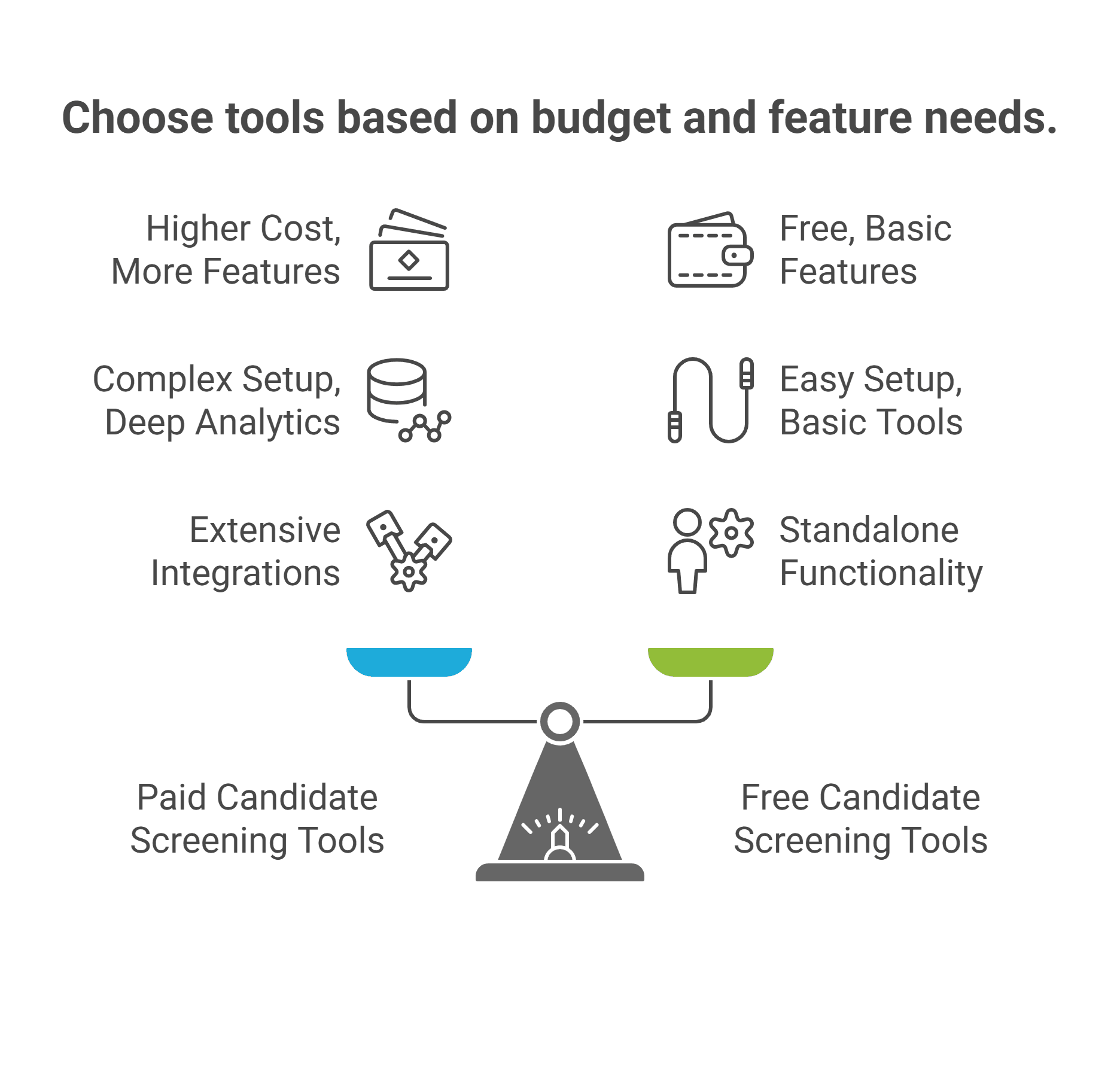
Introduction
The landscape of recruitment has undergone a dramatic transformation in recent years. According to recent studies, 75% of companies report significantly faster screening times with AI-driven tools, while 59% achieve better candidate-job matches through automated screening processes. As we move further into 2025, the ability to efficiently screen candidates has become more crucial than ever for businesses of all sizes.
The traditional approach of scheduling multiple preliminary interviews is rapidly becoming obsolete. Companies are losing valuable time and resources coordinating schedules, conducting repetitive screening calls, and manually documenting candidate responses. This inefficiency isn't just frustrating – it's costly. Research shows that recruiters spend an average of 23 hours per role on initial screening calls alone.
Video screening tools have emerged as the go-to solution for modern recruitment teams. These platforms allow recruiters to:
- Evaluate candidates asynchronously, eliminating scheduling hassles
- Standardize the screening process across all applicants
- Reduce time-to-hire by up to 50%
- Share candidate responses easily with hiring managers
- Make more informed decisions before investing in live interviews
However, with the market flooded with options ranging from basic video recording tools to sophisticated AI-powered platforms, choosing the right candidate screening solution has become increasingly complex. Price points vary dramatically – from free tools with limited functionality to enterprise solutions costing hundreds per month.
In this comprehensive guide, we'll examine the top candidate screening tools available in 2025, comparing their features, pricing, and ideal use cases.
Whether you're a growing startup looking for an affordable solution or an enterprise seeking a robust platform, we'll help you make an informed decision that aligns with your recruitment needs and budget.
TLDR: Best Candidate Screening Tools in 2025
Recruitment technology is evolving rapidly, with 75% of companies reporting faster screening times using AI-driven tools. Here's what you need to know:
Top Paid Tools & Best Use Cases:
- Best Overall Value: HireVire ($39/month) - Perfect for growing companies needing comprehensive features at an affordable price
- Best Enterprise Solution: HireVue - Ideal for large organizations requiring advanced AI and analytics
- Best for Skills Testing: TestGorilla - Excellent for technical role assessments
- Best for SMBs: Willo ($39/month) - Great for simple, straightforward video screening
- Best All-in-One: BreezyHR - Good for combined ATS and screening needs
Top Free Options:
- Indeed Hiring Platform - Best for basic video interviews
- Google Meet + Calendar - Great for simple remote screening
- LinkedIn Talent Hub - Ideal for professional role hiring
- Microsoft Teams Free - Good for team collaboration
- Facebook Jobs - Perfect for local, entry-level hiring
Key Market Stats:
- 42% reduction in time-to-hire with modern screening tools
- 45% improvement in hire quality
- 33% reduction in hiring costs
- Expected market size: $28.6B by 2025
Bottom Line: While free tools can work for basic needs, growing organizations should consider affordable paid solutions like HireVire for better features, support, and scalability. Choose based on your hiring volume, team size, and integration needs.
Copy
What Makes a Great Candidate Screening Tool in 2025?
As recruitment technology continues to evolve, the definition of an effective screening tool has expanded beyond basic video recording capabilities. Modern organizations need comprehensive solutions that streamline their entire candidate evaluation process while providing meaningful insights.
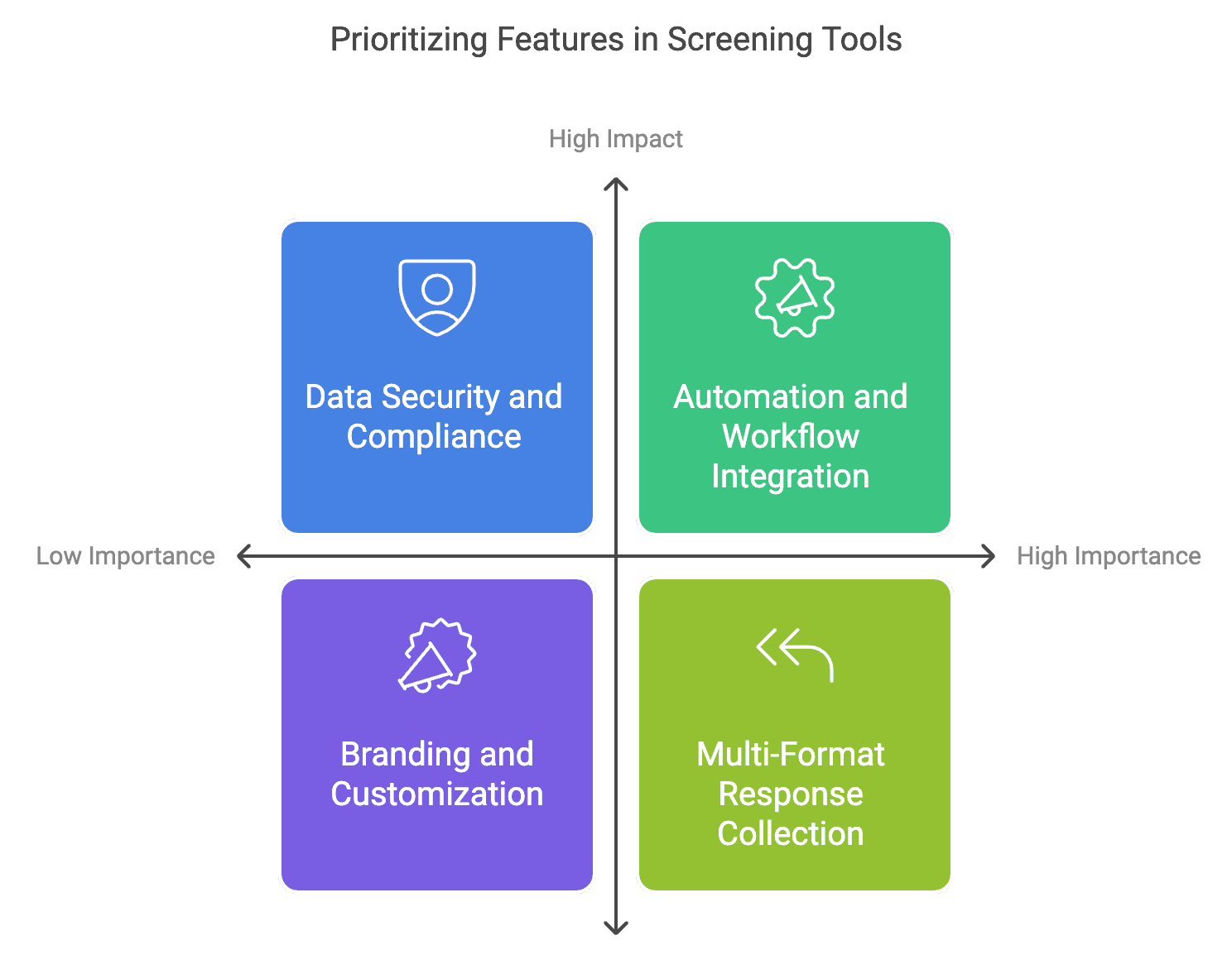
Here are the critical factors to consider when evaluating screening tools in 2025:
Essential Features
-
Multi-Format Response Collection The ability to collect various types of responses is no longer optional. Top-tier screening tools should support:
-
High-quality video responses
-
Audio recordings for voice-only assessments
-
Document uploads for portfolios and assignments
-
Text responses for written communication evaluation
-
Language and Accessibility Support Global hiring demands tools that break down language barriers. Key requirements include:
-
AI-powered transcription capabilities
-
Support for multiple languages
-
Cross-device compatibility
-
Accessibility features for inclusive hiring
-
Automation and Workflow Integration Efficiency is paramount in modern recruitment. Look for:
-
Automated email communications
-
Bulk candidate processing
-
Integration with existing ATS systems
-
Customizable workflow automation
ROI Considerations
When evaluating screening tools, consider these key metrics:
- Time saved per candidate (industry average: 3-4 hours)
- Reduction in scheduling coordination (typically 60-70%)
- Improvement in candidate quality
- Team collaboration efficiency
Integration Capabilities
A screening tool should seamlessly fit into your existing tech stack. Essential integrations include:
- Popular ATS platforms
- Communication tools (Slack, Teams)
- Calendar applications
- HRIS systems
- Job posting platforms
User Experience
For Recruiters:
- Intuitive interface requiring minimal training
- Quick access to candidate responses
- Easy sharing and collaboration features
- Comprehensive analytics and reporting
For Candidates:
- No login requirements
- Mobile-friendly interface
- Option to re-record responses
- Clear instructions and guidance
Data Security and Compliance
Modern screening tools must prioritize:
- GDPR compliance
- Data encryption
- Secure storage
- Privacy controls
- Regular security updates
Scalability and Support
Consider tools that offer:
- Flexible pricing models
- Easy team expansion
- Responsive customer support
- Regular feature updates
- Training resources
Branding and Customization
Professional presentation matters:
- Custom branding options
- Personalized email templates
- Career page integration
- Custom domain support
While no single tool may excel in every category, the best solutions offer a balanced combination of these features while remaining cost-effective.
In the next section, we'll compare the top candidate screening tools(paid & Free) available in 2025, analyzing how they measure up against these crucial criteria.
Top 10 Paid Candidate Screening Tools Compared in 2025
Before diving into detailed comparisons, here's a quick overview of what we'll cover:
- Video interviewing platforms
- Skills assessment tools
- End-to-end recruitment solutions
- AI-powered screening tools
Let's analyze each tool in detail:
1. Hirevire
Brief Overview: Hirevire is an automated recruitment screening platform that enables asynchronous video, audio, and file-based candidate interviews, eliminating the need for initial live screening calls.
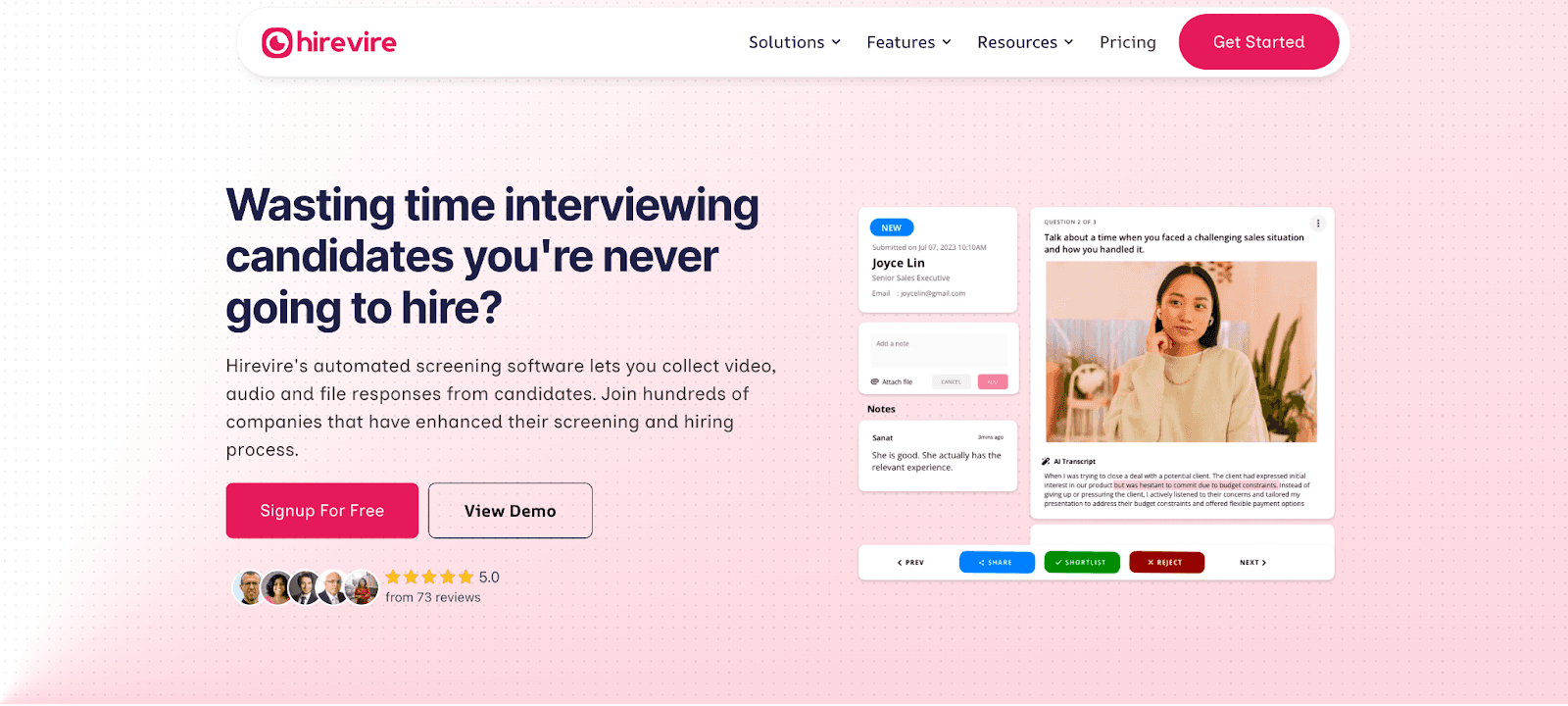
Key Features:
- Multi-format response collection (video, audio, files)
- AI transcription in 90+ languages
- No login required for candidates
- Integration with 5000+ apps via Zapier
- Custom branding and career page builder
- Automated email workflows
- Analytics and tracking
Pricing:
- Starter: $39/month (billed annually)
- Professional: Custom pricing
- Enterprise: Custom pricing
- Free trial available
Pros:
- Most affordable full-featured solution
- Unlimited responses included
- No login barrier for candidates
- Extensive integration capabilities
- Excellent customer support
- Mobile-friendly interface
Cons:
- Some advanced features limited to higher tiers
- Limited native integrations compared to enterprise solutions
- Basic analytics in starter plan
Best For:
- Growing companies
- Recruitment agencies
- HR teams handling multiple roles
- Companies prioritizing candidate experience
User Reviews: "All you can look for in a video interview and candidate screening tool: Simple, intuitive, and stable" - Yusuf Mansur Özer, Grape Law Firm
"If your job or role includes hosting interviews, you should jump on this platform now." - Nathan Ackerman, Partner, Riley Risk Inc.
Ratings & Reviews:
-
Capterra: 5.0/5 (70+ reviews)
-
Ease of Use: 4.9/5
-
Customer Service: 5.0/5
-
Features: 4.8/5
-
G2: 4.8/5 (25+ reviews)
-
Implementation: 9.8/10
-
Ease of Setup: 9.7/10
-
User Adoption: 9.5/10
Notable Recognition:
- "Best Ease of Use 2024" by Capterra
- "High Performer Winter 2024" by G2
2. HireVue
Brief Overview: HireVue is an enterprise-level video interviewing platform that combines AI-driven assessments with predictive analytics to streamline high-volume hiring.
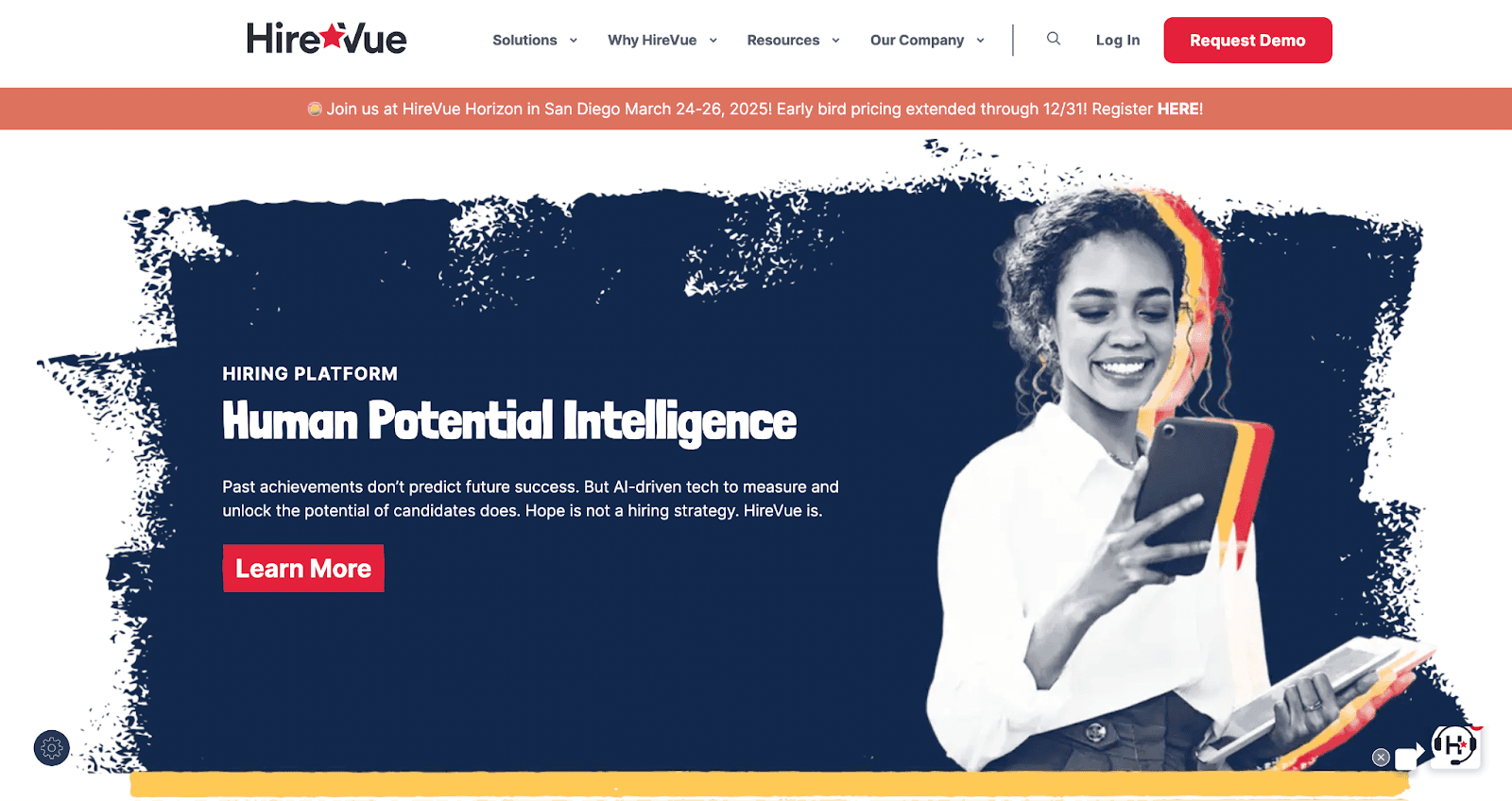
Key Features:
- AI-powered candidate assessments
- Predictive analytics and insights
- Game-based evaluations
- Enterprise-grade security
- Advanced workflow automation
- Multi-language support
- Custom assessment creation
Pricing:
- Enterprise pricing (custom quotes only)
- Typically starts at $25,000/year
- Volume-based pricing available
- Implementation fees apply
Pros:
- Comprehensive assessment capabilities
- Advanced AI-driven insights
- Robust security features
- Extensive enterprise integrations
- Detailed analytics dashboard
- Global support coverage
Cons:
- High cost barrier
- Complex implementation process
- Steep learning curve
- Requires significant setup time
- May be overwhelming for small teams
Best For:
- Large enterprises
- Fortune 500 companies
- High-volume hiring
- Global organizations
- Complex recruitment workflows
User Reviews: "HireVue has transformed our hiring process, but it required significant investment in both time and resources to fully utilize its capabilities." - Enterprise HR Director
"The predictive analytics are impressive, though the initial setup was challenging." - Global Talent Acquisition Manager
Ratings & Reviews:
-
Capterra: 4.4/5 (200+ reviews)
-
Ease of Use: 4.3/5
-
Customer Service: 4.1/5
-
Features: 4.5/5
-
G2: 4.3/5 (1000+ reviews)
-
Implementation: 8.2/10
-
Ease of Setup: 8.0/10
-
User Adoption: 8.4/10
Notable Recognition:
- "Leader" in G2's Enterprise Video Interview category
- "Market Leader 2024" by Capterra
3. TestGorilla
Brief Overview: TestGorilla specializes in pre-employment testing and skills assessment, offering a comprehensive library of validated tests across various domains.
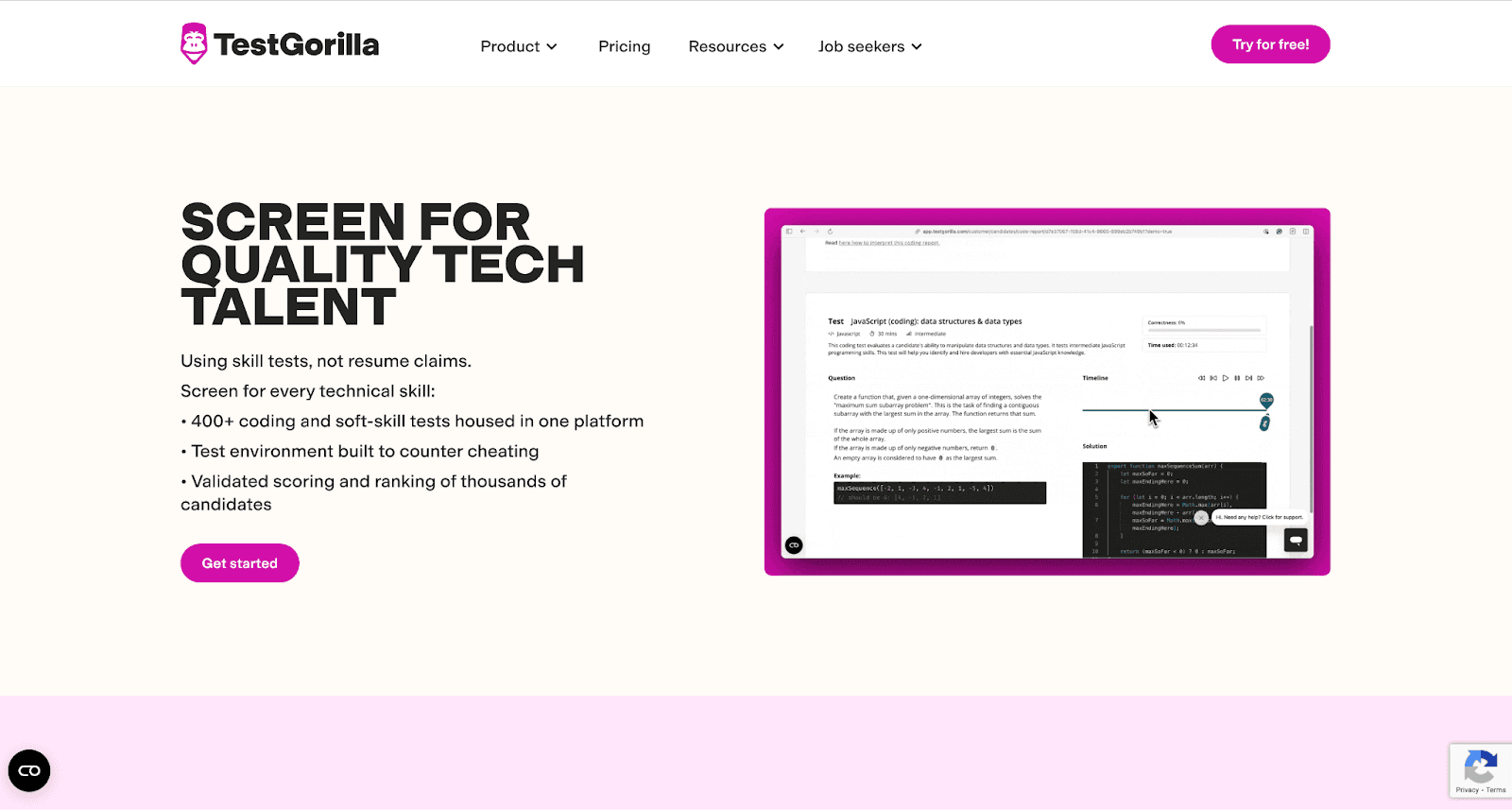
TestGorilla Platform Interface
Click to open image
Key Features:
- 220+ scientifically validated tests
- Custom assessment creation
- Anti-cheating measures
- Automated test scoring
- Candidate comparison tools
- Multi-language assessments
- Custom branding options
Pricing:
- Pay-as-you-go: $25/assessment
- Scale plan: $99/month
- Business plan: $399/month
- Custom enterprise solutions
Pros:
- Comprehensive test library
- Scientific validation
- Strong anti-cheating measures
- Clear pricing structure
- Easy to implement
- Good candidate experience
Cons:
- Limited video interviewing capabilities
- Can be costly for high-volume testing
- Some tests may be too generic
- Limited customization options
- Basic reporting in lower tiers
Best For:
- Skills-based hiring
- Technical role assessment
- Volume recruiting
- Objective candidate evaluation
- Companies prioritizing validated assessments
User Reviews: "TestGorilla has helped us standardize our technical assessments across departments." - IT Recruitment Manager
"The anti-cheating measures give us confidence in the results, though some candidates find them stringent." - HR Director
-
Capterra: 4.7/5 (150+ reviews)
-
Ease of Use: 4.8/5
-
Customer Service: 4.6/5
-
Features: 4.7/5
-
G2: 4.6/5 (200+ reviews)
-
Implementation: 9.1/10
-
Ease of Setup: 9.3/10
-
User Adoption: 8.9/10
Notable Recognition:
- "Category Leader" in Pre-Employment Testing
- "Momentum Leader Winter 2024" by G2
4. SparkHire
Brief Overview: SparkHire specializes in video interviewing software with a focus on mid-sized businesses and staffing agencies, offering both live and pre-recorded interview capabilities.
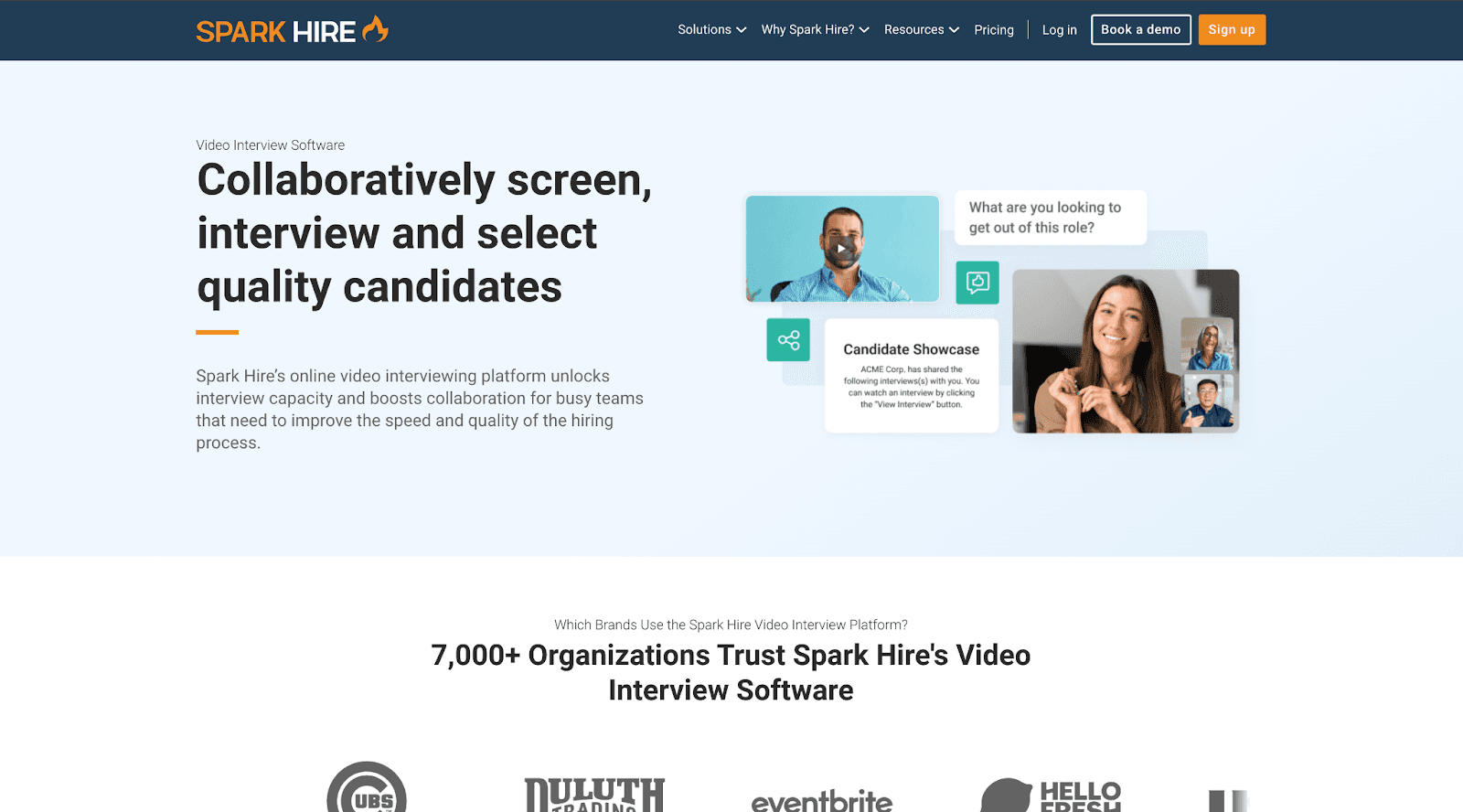
SparkHire Platform Interface
Click to open image
Key Features:
- One-way and live video interviews
- Interview scheduling tools
- Question bank
- Collaborative hiring tools
- Basic ATS integration
- Mobile app
- Evaluation tools
- Branded career pages
Pricing:
- Silver: $149/month
- Gold: $249/month
- Platinum: Custom pricing
- 14-day free trial available
Pros:
- Easy to implement
- Good video quality
- Mobile-friendly
- Solid customer support
- Interview question library
- Simple collaboration features
Cons:
- Higher starting price point
- Limited advanced features
- Basic analytics
- Limited customization options
- Few automation capabilities
Best For:
- Mid-sized businesses
- Staffing agencies
- Traditional industries
- Teams focused on video interviews
- Companies with basic screening needs
Ratings & Reviews:
-
Capterra: 4.5/5 (400+ reviews)
-
Ease of Use: 4.6/5
-
Customer Service: 4.5/5
-
Features: 4.4/5
-
G2: 4.4/5 (350+ reviews)
-
Implementation: 8.9/10
-
Ease of Setup: 9.1/10
-
User Adoption: 8.8/10
User Reviews: "SparkHire has simplified our initial screening process, though we wish it had more advanced features." - Staffing Agency Director "Good for basic video interviews but the price point is a bit high for what you get." - HR Manager
Also read: Best Sparkhire alternative
5. Willo
Brief Overview: Willo offers a straightforward video interviewing platform focused on simplicity and ease of use for small to medium-sized businesses.
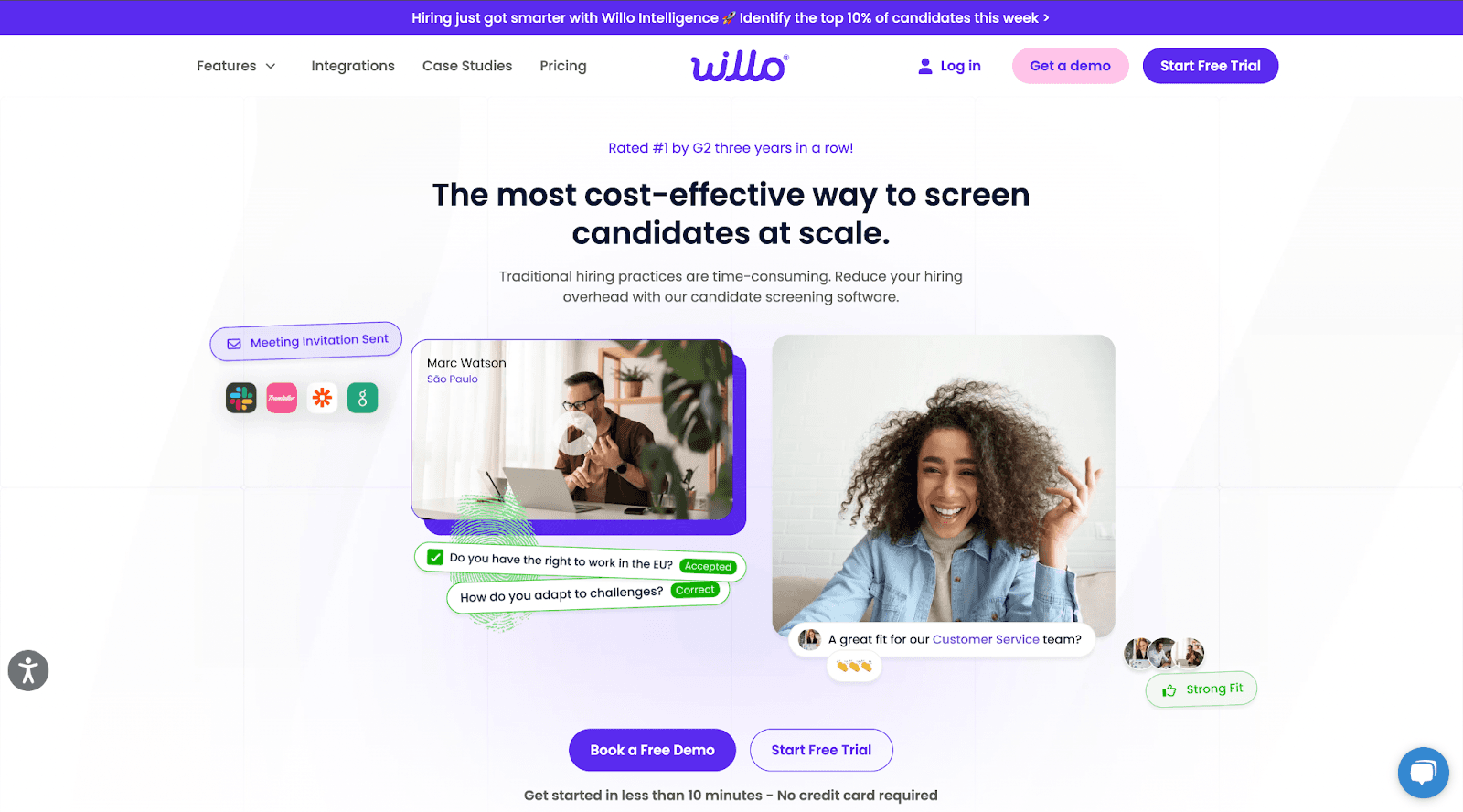
Key Features:
- One-way video interviews
- Team collaboration tools
- Basic customization options
- Mobile app support
- Question library
- Simple sharing options
- Basic analytics
Pricing:
- Starter: $39/month
- Business: $79/month
- Enterprise: Custom pricing
- 14-day free trial available
Pros:
- User-friendly interface
- Quick setup process
- Mobile-optimized
- Affordable entry point
- Good customer support
- Simple collaboration features
Cons:
- Limited advanced features
- Basic reporting capabilities
- Limited integration options
- Minimal customization
- No AI-powered features
Best For:
- Small businesses
- Start-ups
- Individual recruiters
- Simple hiring workflows
Ratings & Reviews:
-
Capterra: 4.5/5 (80+ reviews)
-
Ease of Use: 4.7/5
-
Customer Service: 4.6/5
-
Features: 4.3/5
-
G2: 4.4/5 (50+ reviews)
-
Implementation: 9.0/10
-
Ease of Setup: 9.2/10
-
User Adoption: 8.8/10
User Reviews: "Perfect for our small team's needs, though we sometimes wish it had more advanced features." - SMB HR Manager "Easy to implement but limited in terms of customization." - Recruitment Specialist
Also read: Best Wilo alternative
6. Vervoe
Brief Overview: Vervoe specializes in AI-powered skill assessment and automated interviewing, focusing on performance prediction and skills-based hiring.
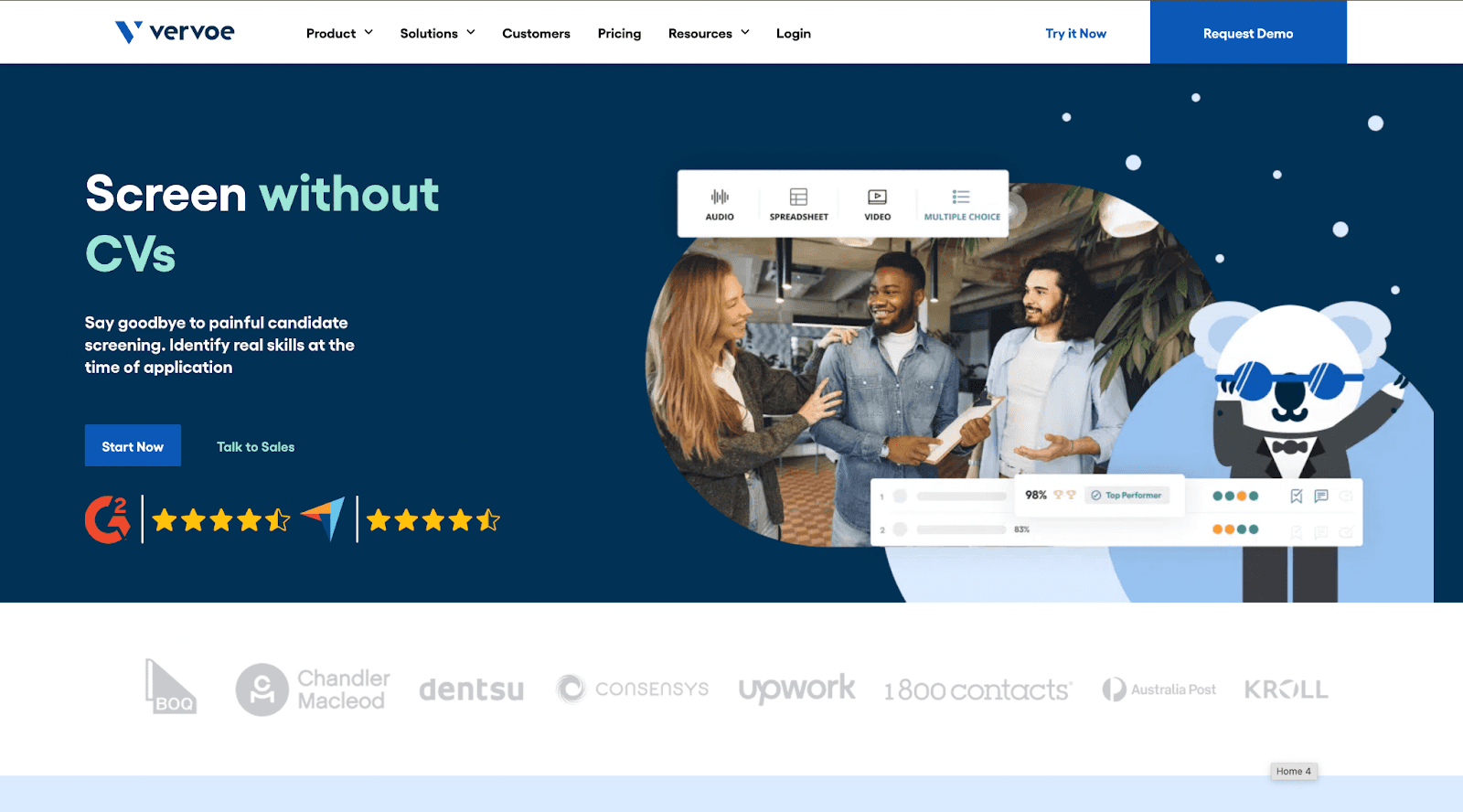
Key Features:
- AI-powered skill assessment
- Customizable assessments
- Performance prediction
- Automated scoring
- Role-specific templates
- Video interview capabilities
- Bias reduction tools
Pricing:
- Essential: $99/month
- Growth: $299/month
- Enterprise: Custom pricing
- Free trial available
Pros:
- Strong AI capabilities
- Comprehensive assessment library
- Good automation features
- Skills-based focus
- detailed analytics
- Bias reduction emphasis
Cons:
- Higher price point
- Complex setup process
- Learning curve for full features
- Limited video features
- Can be overwhelming
Best For:
- Mid-sized companies
- Skills-based hiring
- Technical recruitment
- High-volume hiring
- Companies focused on reducing bias
Ratings & Reviews:
-
Capterra: 4.6/5 (120+ reviews)
-
Ease of Use: 4.4/5
-
Customer Service: 4.7/5
-
Features: 4.6/5
-
G2: 4.5/5 (90+ reviews)
-
Implementation: 8.7/10
-
Ease of Setup: 8.5/10
-
User Adoption: 8.6/10
User Reviews: "The AI-powered assessments have significantly improved our hiring accuracy." - Technical Recruiter "Great for skills assessment but took time to setup properly." - HR Director
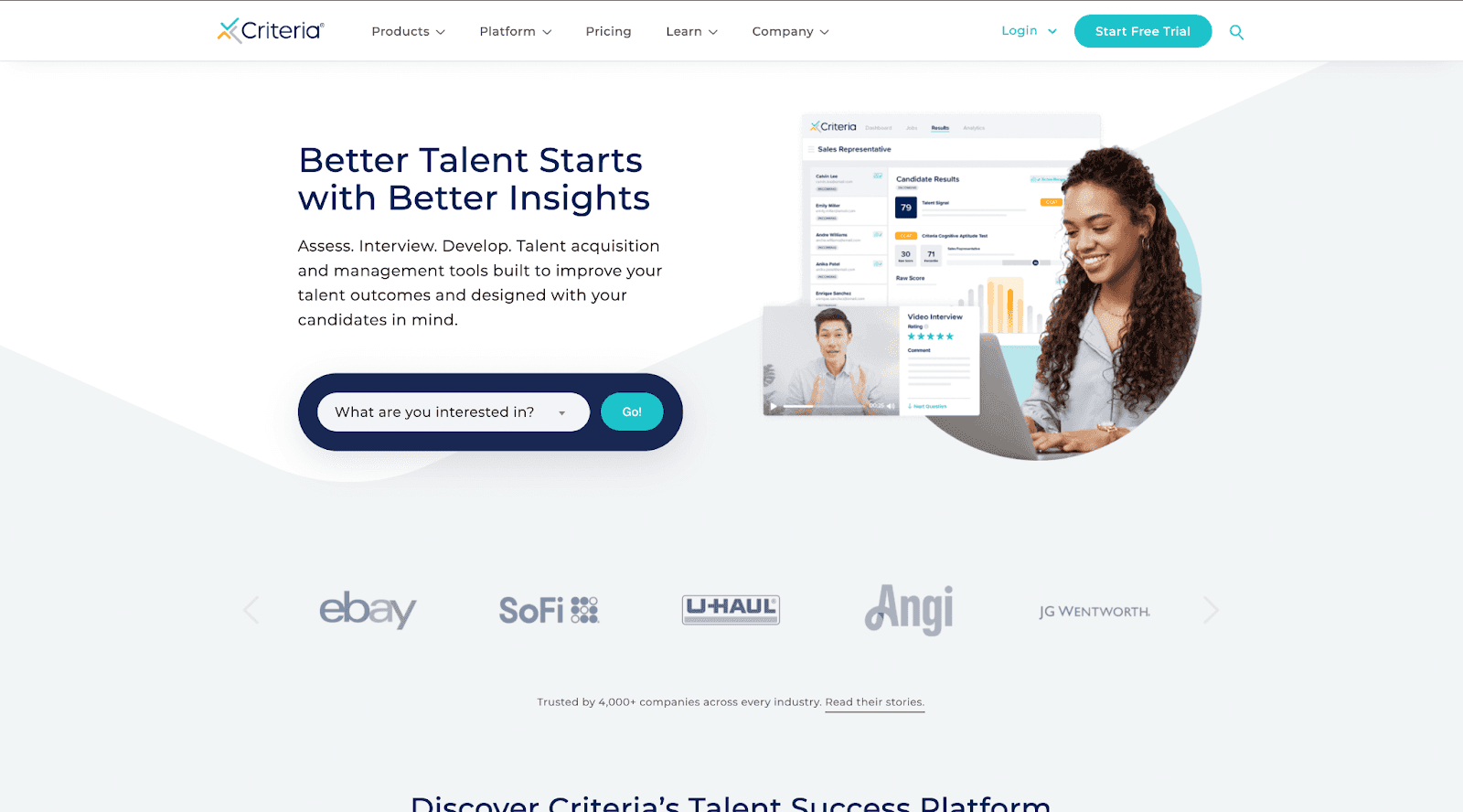
7. Criteria Corp
Brief Overview: Criteria Corp provides comprehensive pre-employment testing and assessment solutions with a focus on scientific validation and predictive analytics.
Key Features:
- Scientifically validated assessments
- Cognitive aptitude testing
- Personality evaluations
- Emotional intelligence assessments
- Skills testing
- Video interviewing
- Advanced analytics dashboard
Pricing:
- Professional: $150/month
- Enterprise: Custom pricing
- Per-test pricing available
- Volume discounts offered
Pros:
- Strong scientific backing
- Comprehensive test library
- Detailed reporting
- Good predictive validity
- Professional support
- Regular content updates
Cons:
- Higher price point
- Complex implementation
- Limited video features
- Technical setup required
- May be too extensive for small teams
Best For:
- Enterprise organizations
- Companies prioritizing scientific validation
- Professional services firms
- High-stakes hiring
- Large-scale recruitment
Ratings & Reviews:
-
Capterra: 4.7/5 (180+ reviews)
-
Ease of Use: 4.6/5
-
Customer Service: 4.8/5
-
Features: 4.7/5
-
G2: 4.6/5 (150+ reviews)
-
Implementation: 8.9/10
-
Ease of Setup: 8.7/10
-
User Adoption: 8.8/10
User Reviews: "The scientific validation of their assessments gives us confidence in our hiring decisions." - Corporate HR Director "Excellent assessment tools, though implementation required significant resources." - Talent Acquisition Manager
8. Phenom
Brief Overview: Phenom offers an AI-powered talent experience platform that includes video assessments as part of a broader talent management solution.
Key Features:
- AI-powered talent experience platform
- One-way video assessments
- Career site integration
- CRM capabilities
- Chatbot integration
- Advanced analytics
- Internal mobility tools
Pricing:
- Enterprise pricing (custom quotes only)
- Platform-based pricing
- Annual contracts required
- Implementation fees apply
Pros:
- Comprehensive platform
- Strong AI capabilities
- Good integration options
- Modern interface
- Regular updates
- Extensive features
Cons:
- High cost
- Complex setup
- Requires dedicated admin
- Long implementation time
- May have unused features
Best For:
- Large enterprises
- Full talent management needs
- Long-term HR tech investment
- Global organizations
- Complex hiring workflows
Ratings & Reviews:
-
Capterra: 4.5/5 (200+ reviews)
-
Ease of Use: 4.3/5
-
Customer Service: 4.4/5
-
Features: 4.6/5
-
G2: 4.4/5 (250+ reviews)
-
Implementation: 8.5/10
-
Ease of Setup: 8.2/10
-
User Adoption: 8.4/10
User Reviews: "A powerful platform but requires significant investment in setup and training." - Enterprise Talent Leader "Great features but can be overwhelming for smaller teams." - HR Technology Manager
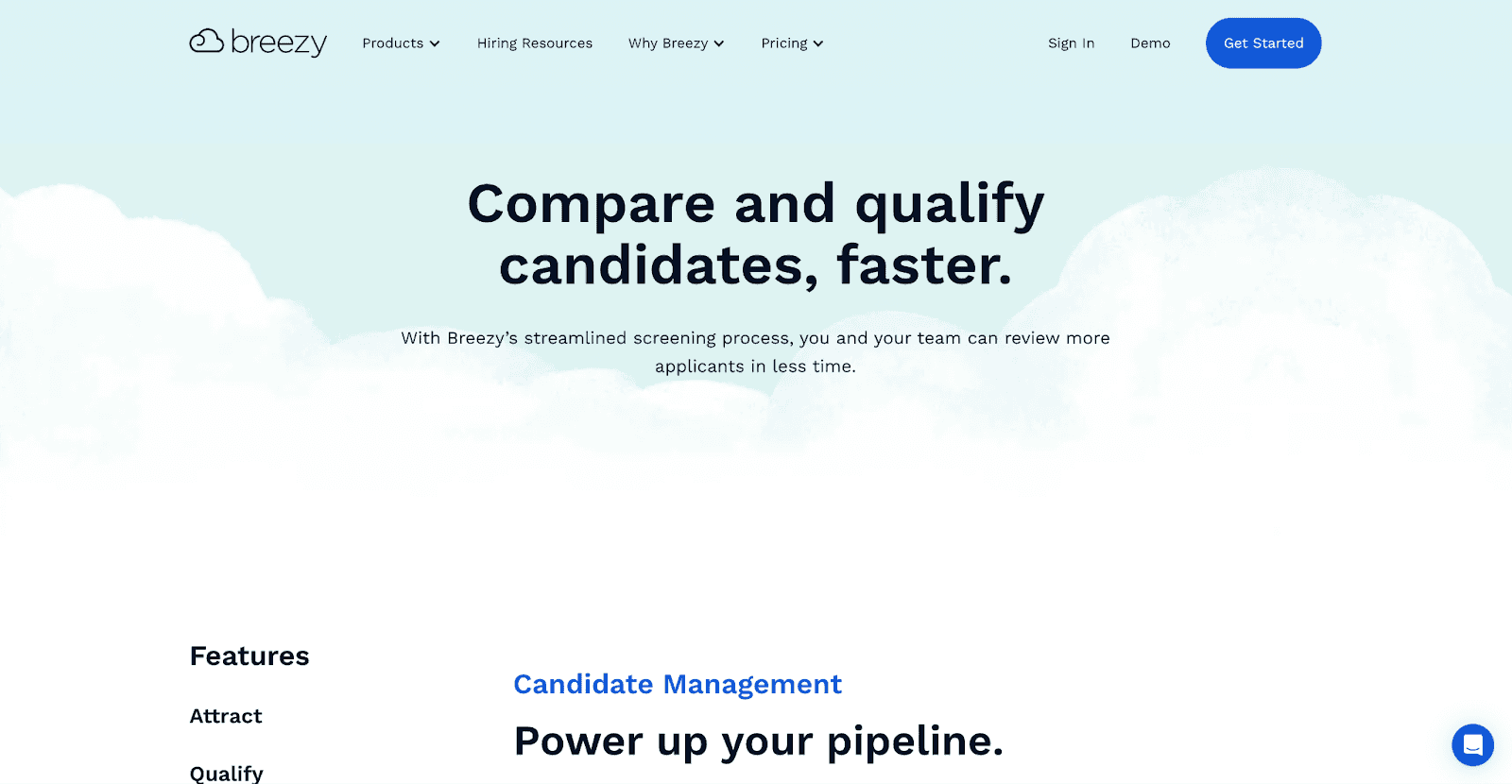
9. BreezyHR
Brief Overview: BreezyHR offers an end-to-end recruitment platform that combines applicant tracking with video interviewing capabilities, designed for small to mid-sized businesses.
Key Features:
- Integrated ATS functionality
- Video screening tools
- Kanban-style pipeline
- Automated job posting
- Interview scheduling
- Custom career portal
- Team collaboration tools
Pricing:
- Bootstrap: $143/month
- Growth: $249/month
- Business: $399/month
- Enterprise: Custom pricing
- Annual discounts available
Pros:
- All-in-one solution
- Visual pipeline management
- Good automation features
- User-friendly interface
- Strong customer support
- Regular feature updates
Cons:
- Limited advanced screening tools
- Basic video features
- Some integration limitations
- Mobile app needs improvement
- Reports could be more detailed
Best For:
- Small to mid-sized businesses
- Growing HR teams
- Companies needing ATS + screening
- Teams wanting visual workflows
- Multi-location hiring
Ratings & Reviews:
-
Capterra: 4.5/5 (250+ reviews)
-
Ease of Use: 4.7/5
-
Customer Service: 4.6/5
-
Features: 4.4/5
-
G2: 4.6/5 (200+ reviews)
-
Implementation: 9.1/10
-
Ease of Setup: 9.3/10
-
User Adoption: 9.0/10
User Reviews: "Great for managing our entire hiring process, though video features could be more robust." - HR Manager "The visual pipeline makes it easy to track candidates, but reporting could be better." - Recruitment Coordinator
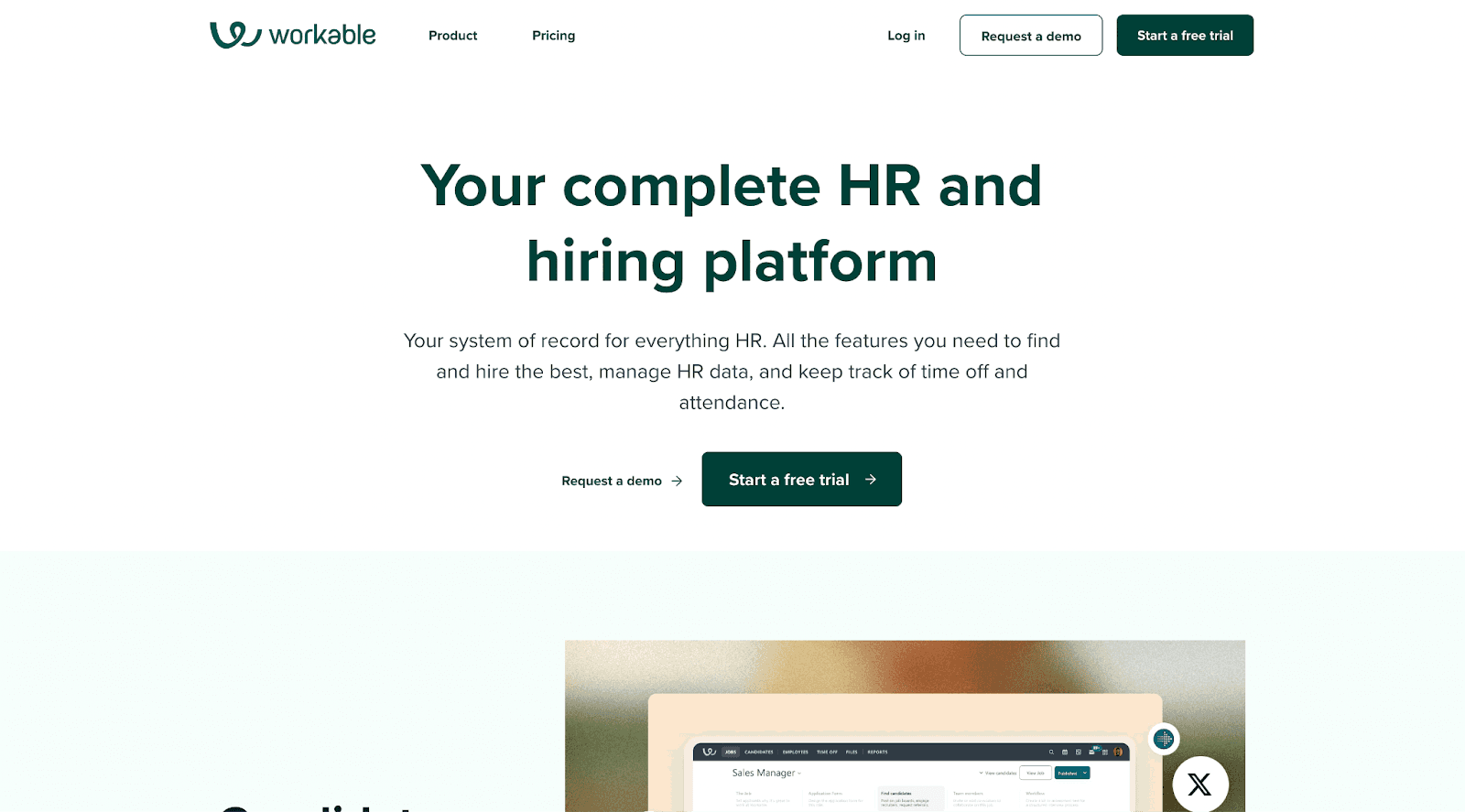
10. Workable
Brief Overview: Workable provides a comprehensive hiring software solution that includes AI-powered sourcing and video interview capabilities within its recruiting platform.
Key Features:
- AI-powered sourcing
- Video interview tools
- 700+ job description templates
- 40+ integrations
- Automated workflows
- Advanced reporting
- Compliance tools
Pricing:
- Paygo: $99/job posting
- Premium: Custom pricing
- Enterprise: Custom pricing
- Annual contracts available
Pros:
- Powerful sourcing capabilities
- Good compliance features
- Extensive template library
- Strong reporting tools
- Multiple integration options
- Global hiring support
Cons:
- Higher price point
- Complex for small teams
- Video features not primary focus
- Steep learning curve
- Some features require upgrades
Best For:
- Mid to large companies
- Global organizations
- Companies with complex hiring needs
- Teams requiring compliance focus
- High-volume recruiters
Ratings & Reviews:
-
Capterra: 4.5/5 (1000+ reviews)
-
Ease of Use: 4.4/5
-
Customer Service: 4.3/5
-
Features: 4.5/5
-
G2: 4.4/5 (800+ reviews)
-
Implementation: 8.8/10
-
Ease of Setup: 8.6/10
-
User Adoption: 8.7/10
User Reviews: "Comprehensive hiring solution but can be overwhelming at first." - Senior Recruiter "Great for large-scale hiring, though smaller companies might find it excessive." - Talent Acquisition Director
Link: Learn more about Workable
Top 5 Free Candidate Screening Tools To Start With
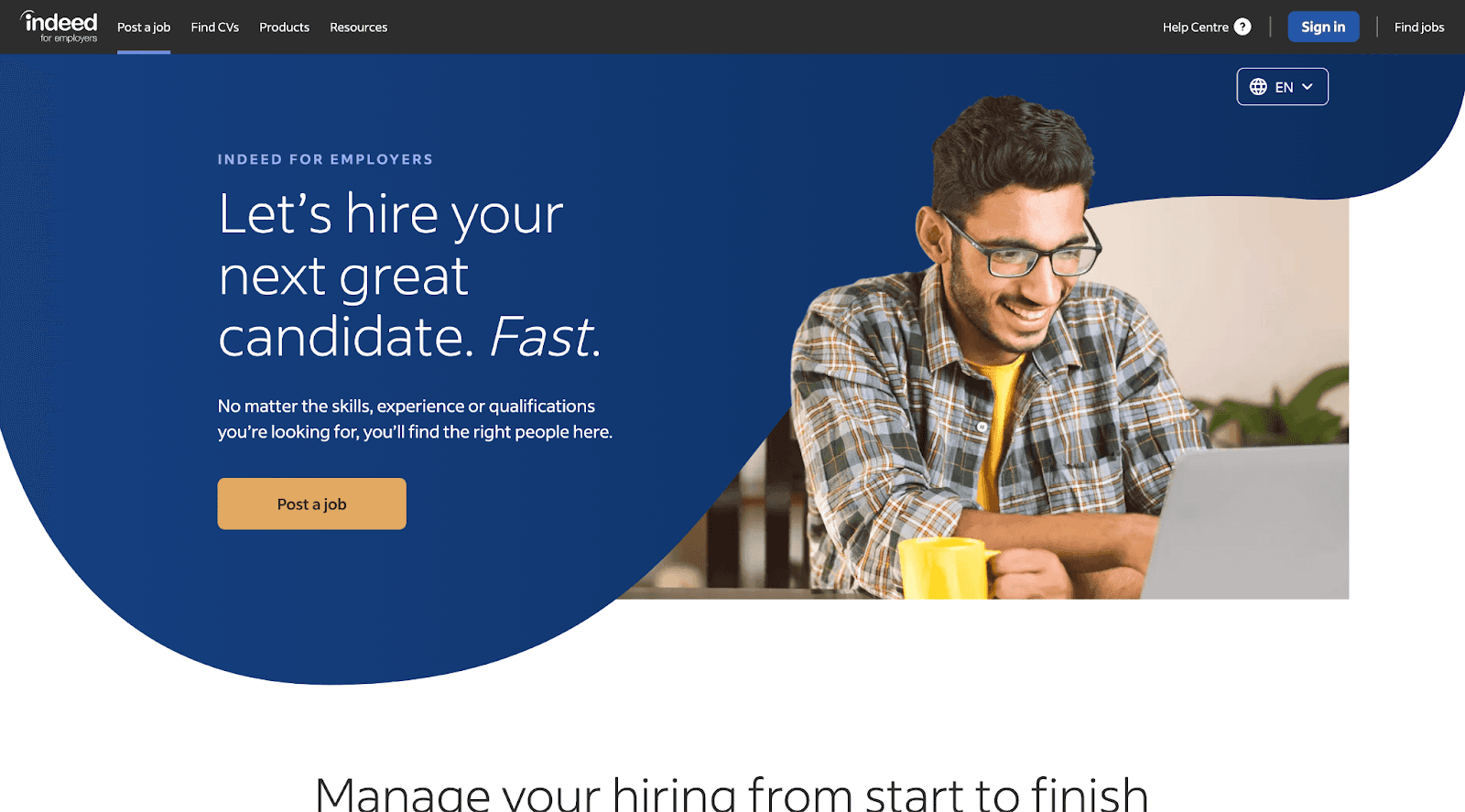
1. Indeed Hiring Platform
Brief Overview: Indeed's free hiring platform offers basic video interviewing and screening capabilities for employers posting jobs on Indeed.
Key Features:
- Basic video interviews
- Automated screening questions
- Interview scheduling
- Candidate management
- Mobile compatibility
- Basic assessment tools
- Email notifications
Pricing:
- Completely free with Indeed job postings
- No hidden charges
- Optional paid features available
Pros:
- No cost to use
- Large candidate pool
- Simple interface
- Mobile-friendly
- Quick setup
Cons:
- Limited to Indeed platform
- Basic functionality
- No advanced features
- Limited customization
- No ATS integration
Best For:
- Small businesses
- Individual recruiters
- Occasional hiring needs
- Local businesses
- Budget-conscious employers
Ratings & Reviews:
-
Indeed reviews: 4.2/5 (1000+ reviews)
-
Ease of Use: 4.5/5
-
Functionality: 4.0/5
-
Value: 4.8/5
User Reviews: "Perfect for our basic hiring needs without any cost." - Small Business Owner "Good for occasional hiring, though features are limited." - Hiring Manager
Link: Learn more about Indeed Hiring Platform
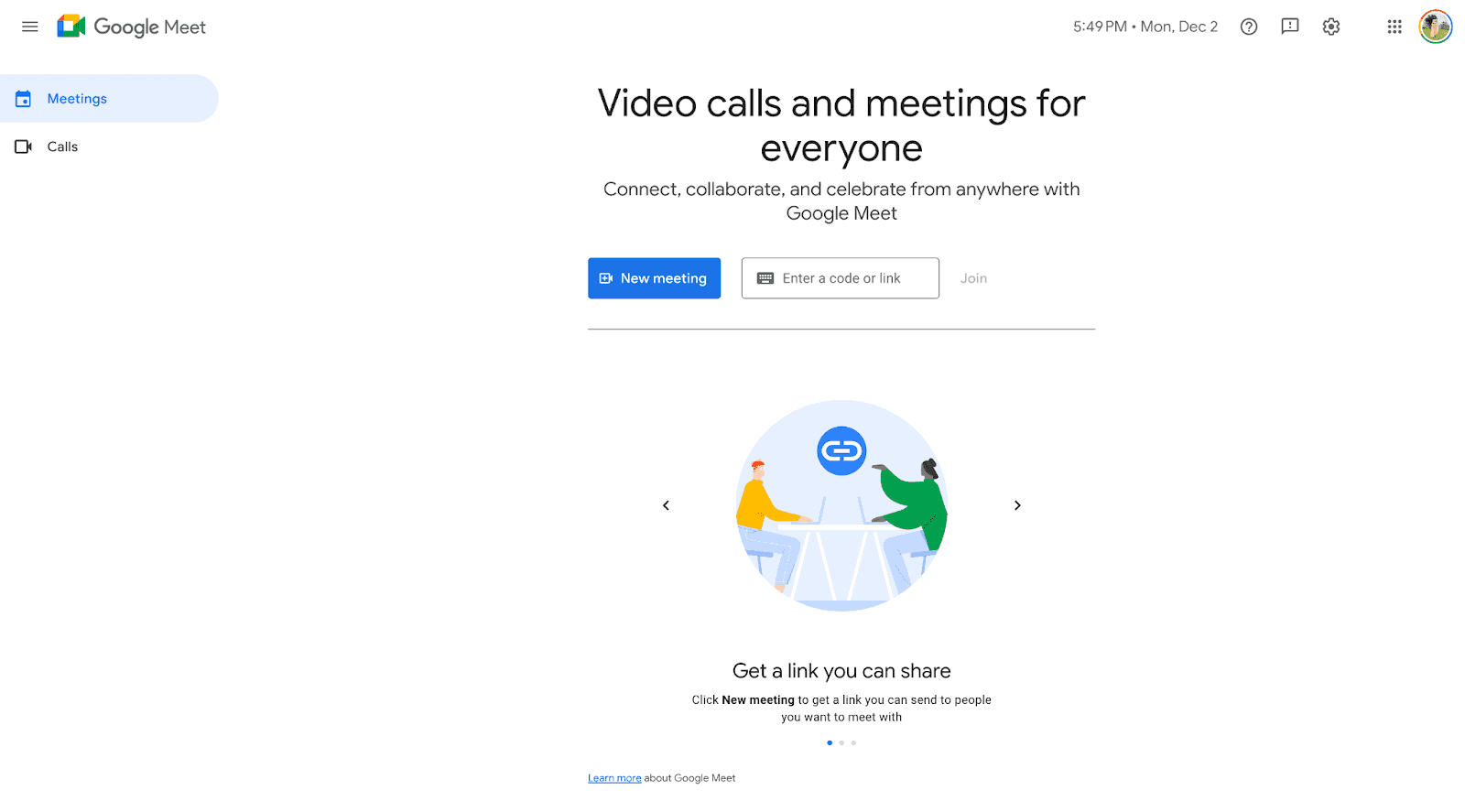
2. Google Meet + Calendar for Hiring
Brief Overview: A combination of Google's free tools that can create a basic screening system using video calls, calendar scheduling, and forms.
Key Features:
- Video interviews up to 60 minutes
- Calendar scheduling
- Custom forms for screening
- File sharing
- Meeting recordings (up to 30 participants)
- Email notifications
- Mobile access
Pricing:
- Completely free with Google account
- No time limit on 1:1 meetings
- Optional Google Workspace upgrades
Pros:
- Widely accessible
- Reliable platform
- Good video quality
- Easy scheduling
- Familiar interface
Cons:
- No specialized recruitment features
- Manual coordination required
- Basic recording features
- Limited organization tools
- No candidate tracking
Best For:
- Individual recruiters
- Small teams
- Remote interviews
- Basic screening needs
- Budget-conscious hiring
Ratings & Reviews:
-
Google Meet: 4.3/5 (1M+ reviews)
-
Ease of Use: 4.6/5
-
Reliability: 4.4/5
-
Video Quality: 4.3/5
User Reviews: "Perfect for our basic interview needs, especially since everyone has Gmail." - Startup Founder "Works well for initial screenings though lacks recruitment-specific features." - HR Coordinator
Link: Get Started with Google Meet
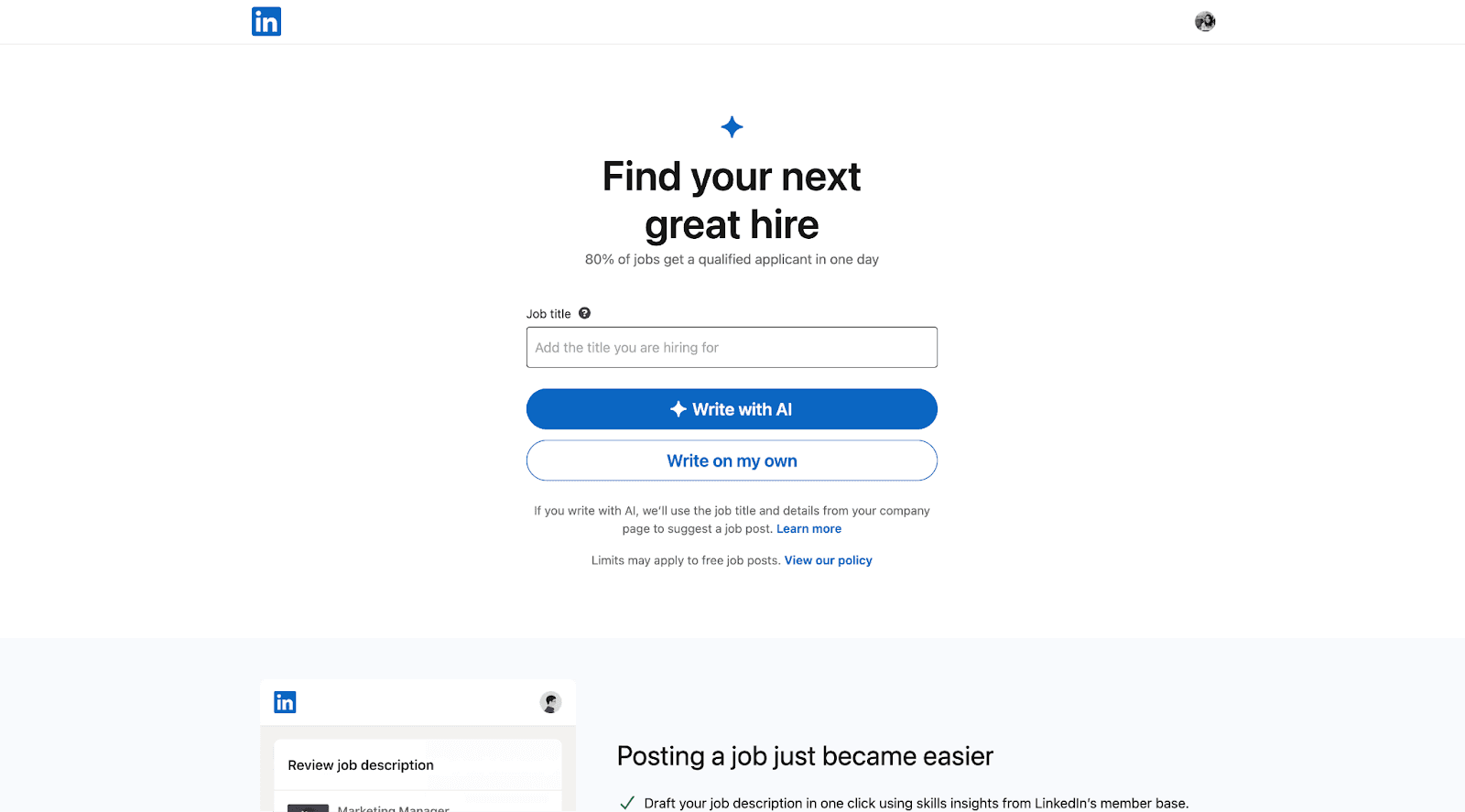
3. LinkedIn Talent Hub Free Tools
Brief Overview: LinkedIn's free recruiting features including job posting, basic candidate search, and messaging for small businesses.
Key Features:
- Free job postings (limited)
- Basic candidate search
- Direct messaging
- Video intro (Beta)
- Profile viewing
- Job analytics
- Mobile access
Pricing:
- Free with LinkedIn account
- Optional premium features
- No mandatory upgrades
Pros:
- Large talent pool
- Professional network
- Easy to use
- Good reach
- Built-in messaging
Cons:
- Limited search capability
- Basic screening tools
- No advanced filters
- Limited job slots
- No ATS features
Best For:
- Small businesses
- Basic hiring needs
- Professional roles
- Network-based hiring
- Social recruitment
Ratings & Reviews:
-
LinkedIn Platform: 4.4/5 (500K+ reviews)
-
Network Quality: 4.6/5
-
Ease of Use: 4.3/5
-
Job Posting: 4.2/5
User Reviews: "Great for leveraging professional networks without cost." - Small Business Owner "The free features are sufficient for basic hiring needs." - Hiring Manager
Link: Explore LinkedIn Hiring
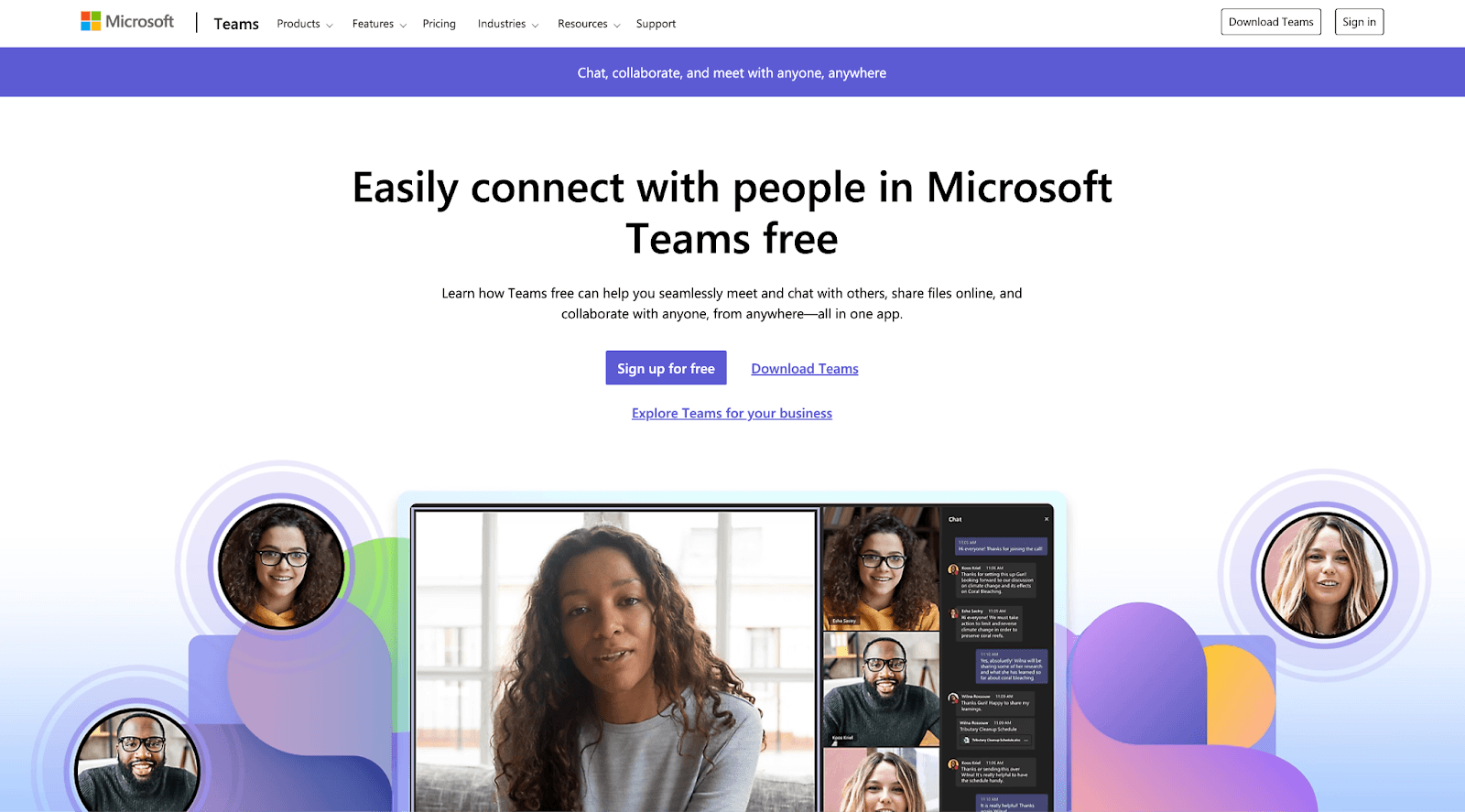
4. Microsoft Teams Free
Brief Overview: Microsoft Teams' free version offers video interviewing, scheduling, and basic collaboration features suitable for recruitment screening.
Key Features:
- HD video meetings
- Screen sharing
- Meeting chat
- File sharing
- Calendar integration
- Meeting recording (basic)
- Mobile support
Pricing:
- Completely free version
- Unlimited 1:1 meetings
- Group meetings up to 60 minutes
Pros:
- Professional platform
- Good video quality
- Easy to access
- Reliable service
- Cross-platform support
Cons:
- No recruitment-specific features
- Time limit on group calls
- Basic organization tools
- Limited storage
- No candidate tracking
Best For:
- Small businesses
- Remote interviews
- Basic screening
- Team collaboration
- International hiring
Ratings & Reviews:
-
Microsoft Teams: 4.4/5 (2M+ reviews)
-
Video Quality: 4.5/5
-
Reliability: 4.4/5
-
Ease of Use: 4.3/5
User Reviews: "Perfect for conducting professional interviews without extra costs." - Recruiter "Works well for initial screenings, especially with international candidates." - HR Manager
Link: Get Started with Teams
5. Facebook Jobs + Messenger
Brief Overview: Facebook's free hiring tools combine job posting capabilities with Messenger for candidate communication and basic video screening.
Key Features:
- Free job postings
- Messenger video calls
- Direct messaging
- Basic candidate filtering
- Mobile accessibility
- Local targeting
- Application management
Pricing:
- Completely free
- No premium features
- Optional ad boost available
Pros:
- Large user base
- Easy to use
- Local reach
- Mobile-first
- Quick setup
Cons:
- Less professional platform
- Basic screening tools
- Limited organization
- No ATS features
- Informal communication
Best For:
- Local businesses
- Entry-level hiring
- Small teams
- Casual positions
- Community-based recruitment
Ratings & Reviews:
-
Facebook Jobs: 4.0/5 (500K+ reviews)
-
Ease of Use: 4.3/5
-
Reach: 4.4/5
-
Value: 4.5/5
User Reviews: "Great for finding local talent quickly without any cost." - Small Business Owner "Works well for entry-level positions, though lacks professional features." - Hiring Manager
Link: Explore Facebook Jobs
These free tools, while limited in features compared to paid solutions, can effectively support basic screening needs for small businesses and occasional hiring.
Best Candidate Screening Tool By Use Case
-
Best Overall Value: HireVire
-
Most affordable with comprehensive features
-
Highest user satisfaction ratings
-
No login barrier for candidates
-
Best for Enterprise: HireVue
-
Advanced AI capabilities
-
Comprehensive assessment tools
-
Enterprise-grade security
-
Best for Skills Testing: TestGorilla
-
Extensive test library
-
Scientific validation
-
Strong anti-cheating measures
-
Best for SMBs: Willo & HireVire
-
Simple interface
-
Affordable pricing
-
Quick implementation
-
Best All-in-One Solution: BreezyHR
-
Combined ATS and screening
-
Visual pipeline management
-
Good automation features
Factors to Consider When Choosing the right candidate screening tool
Unlocking Hiring Success- Choosing the Right Assessment Tool
-
Budget Considerations
-
Initial investment
-
Per-user costs
-
Response volume needs
-
Implementation costs
-
Technical Requirements
-
Integration needs
-
Existing tech stack
-
IT support availability
-
Security requirements
-
Team Size and Structure
-
Number of users
-
Geographic distribution
-
Hiring volume
-
Team expertise
-
Feature Priorities
-
Must-have features
-
Nice-to-have features
-
Growth requirements
-
Scalability needs
Free vs. Paid Candidate Screening Tools: Making the Right Choice
Understanding Free Screening Tools
When to Use Free Tools:
- Early-stage startups with limited budget
- Low hiring volume (1-2 positions monthly)
- Basic screening needs only
- Testing video screening concepts
- Short-term projects
Limitations of Free Tools:
- Limited number of interviews/responses
- Basic features only
- No ATS
- Limited or no support
- Minimal customization
- No advanced integrations
- No candidate tracking
- Often display advertisements
Investing in Paid Solutions
When to Choose Paid Tools:
- Consistent hiring needs
- Multiple open positions
- Need for advanced features
- Team collaboration required
- Brand consistency important
- Integration requirements
- Security and compliance needs
Benefits of Paid Solutions:
- Unlimited responses
- Advanced features
- Dedicated support
- Custom branding
- Team collaboration tools
- Analytics and reporting
- API access
- Security compliance
ROI Calculation Guide
Cost Factors:
-
Direct Costs
-
Subscription fees
-
Implementation costs
-
Training expenses
-
Additional user licenses
-
Time Savings
-
Reduced screening time per candidate
-
Eliminated scheduling coordination
-
Faster decision-making process
-
Improved team collaboration
ROI Formula:
ROI = [(Time Saved × Hourly Rate) + (Improved Quality of Hire × Impact Value) - Total Cost] / Total Cost × 100
Sample Calculation:
- Current screening time: 2 hours per candidate
- New screening time: 30 minutes per candidate
- Hourly rate: $50
- Monthly candidates: 20
- Monthly tool cost: $99
Monthly savings calculation:
Time saved: 30 hours × $50 = $1,500
Tool cost: $99
ROI = ($1,500 - $99) / $99 × 100 = 1,415%
How to Implement a Video Screening Solution: A Step-by-Step Guide
How to implement software in your business (full guide)
Whether you're transitioning from traditional screening methods or implementing video screening for the first time, here's a comprehensive guide to ensure successful adoption.
1. Preparing Your Organization
Assessment Phase
- Audit your current screening process
- Identify key pain points
- Define success metrics
- Set implementation timeline
- Determine budget constraints
Team Preparation
- Identify key stakeholders
- Assign implementation roles
- Plan training sessions
- Create documentation protocols
2. Choosing the Right Solution
Essential Checklist
- ✓ Matches your budget constraints
- ✓ Integrates with existing tools
- ✓ Scales with your growth
- ✓ Provides necessary features
- ✓ Offers good customer support
Common Pitfalls to Avoid
- Overbuying features you won't use
- Underestimating training needs
- Ignoring user experience
- Neglecting candidate experience
- Choosing complex solutions for simple needs
3. Implementation Best Practices
Technical Setup
- Start with a pilot program
- Test all integrations thoroughly
- Create backup procedures
- Set up security protocols
- Configure branding elements
Process Development
- Create standardized question sets
- Develop evaluation criteria
- Set up automated workflows
- Establish sharing protocols
- Define response timeframes
4. Training and Adoption
Key Training Elements
- Platform navigation
- Feature utilization
- Best practices
- Troubleshooting
- Candidate experience management
Adoption Strategies
- Start with enthusiastic teams
- Gather and implement feedback
- Share success stories
- Track usage metrics
- Provide ongoing support
5. Measuring Success
Key Metrics to Track
- Time-to-hire reduction
- Cost-per-hire impact
- Candidate satisfaction
- Team adoption rates
- Quality of hire improvements
The Future of Candidate Screening: A 2025 Outlook
Market Evolution and Growth
According to Fortune Business Insights, the recruitment software market is projected to grow from $3.86 billion in 2023 to $13.14 billion by 2030. The shift toward automated screening solutions has accelerated, with 68% of organizations increasing their investment in recruitment technology (HR.com, 2023).
Key Market Indicators:
- Organizations using AI report 35-40% reduction in time-to-hire (Ideal)
- 63% of recruiting professionals say AI has helped them save time (LinkedIn Global Recruiting Trends)
- 65% of hiring managers believe AI helps reduce bias in hiring (PwC Workforce Survey)
- 76% of recruiters say AI will be somewhat or very important to their work in the next year (JobVite Recruiter Nation)"
Evolution of Candidate Experience
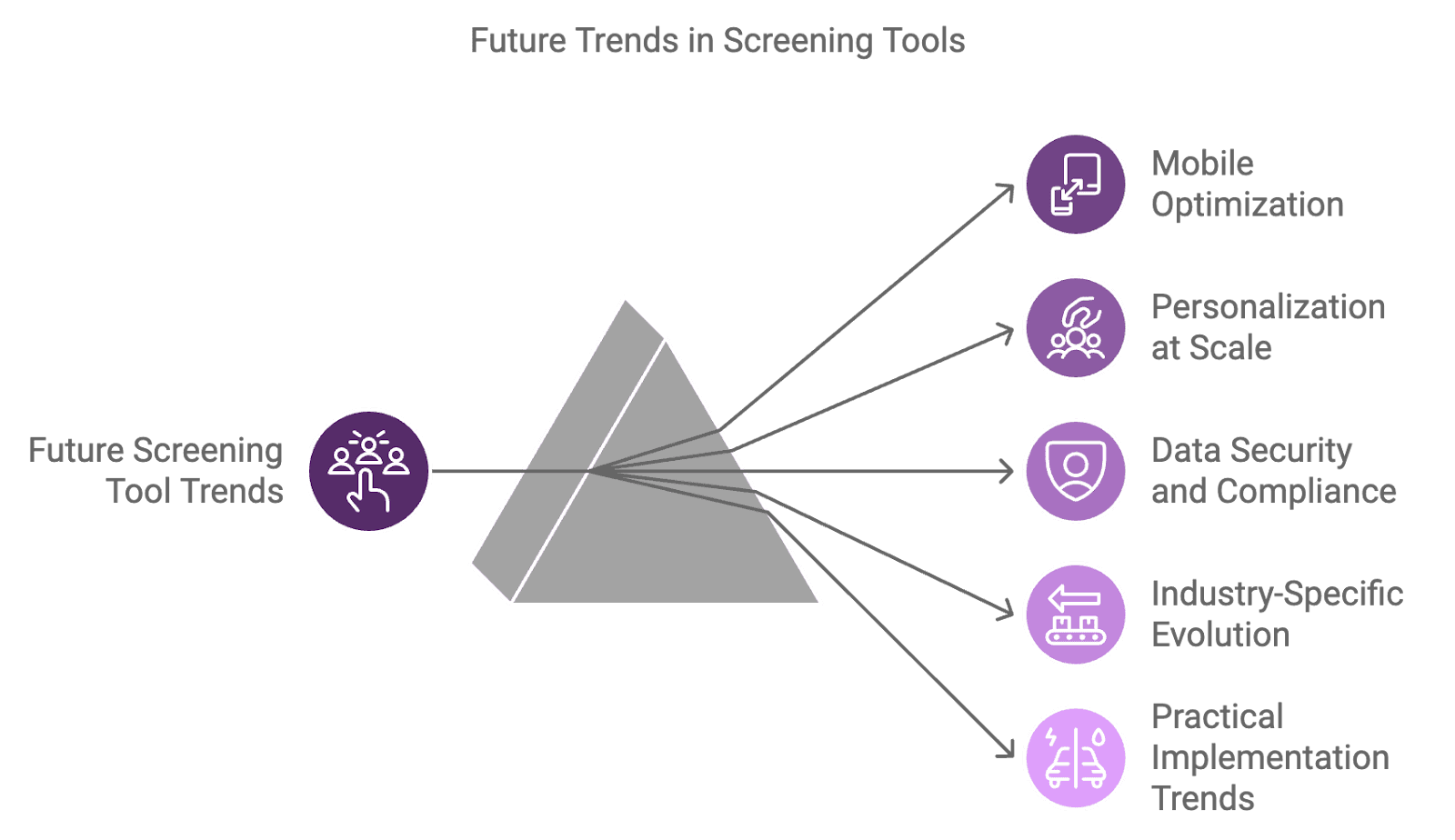
1. Mobile-First Approach
Research by LinkedIn shows that 67% of candidates use mobile devices for job searching and applications. Future screening tools are adapting with:
Mobile Optimization:
- One-touch video interviews
- Voice-based responses
- Gesture controls
- Biometric verification
2. Personalization at Scale
Deloitte's Human Capital Trends report highlights personalization as a key differentiator:
Customization Features:
- Adaptive assessment paths
- Dynamic questioning
- Real-time feedback
- Cultural alignment tools
Data Security and Compliance
With increasing focus on data protection, future screening tools are incorporating:
Enhanced Security Measures:
- Blockchain verification for credentials
- Zero-knowledge proofs
- Federated learning approaches
- Automated compliance checks
According to Gartner:
- 82% of organizations prioritize data security in HR tech
- 91% require GDPR compliance
- 76% demand SOC 2 certification
- 68% require local data storage options
Industry-Specific Evolution
Different sectors are adopting specialized screening approaches:
Technology Sector:
- Code assessment integration
- Real-time problem-solving evaluation
- Technical capability simulation
- Portfolio-based assessment
Healthcare:
- Clinical scenario simulations
- Credential verification automation
- Compliance tracking
- Patient interaction assessment
Financial Services:
- Risk assessment scenarios
- Compliance knowledge testing
- Decision-making simulations
- Ethics evaluation
Practical Implementation Trends
Organizations are adopting hybrid approaches:
Balanced Screening Models:
- Automated initial assessment
- Human-led final evaluation
- AI-assisted decision support
- Continuous feedback loops
McKinsey reports that organizations using hybrid screening models see:
- 45% better quality of hire
- 33% reduced hiring costs
- 28% improved candidate satisfaction
- 41% faster decision-making
Success Factors for 2025
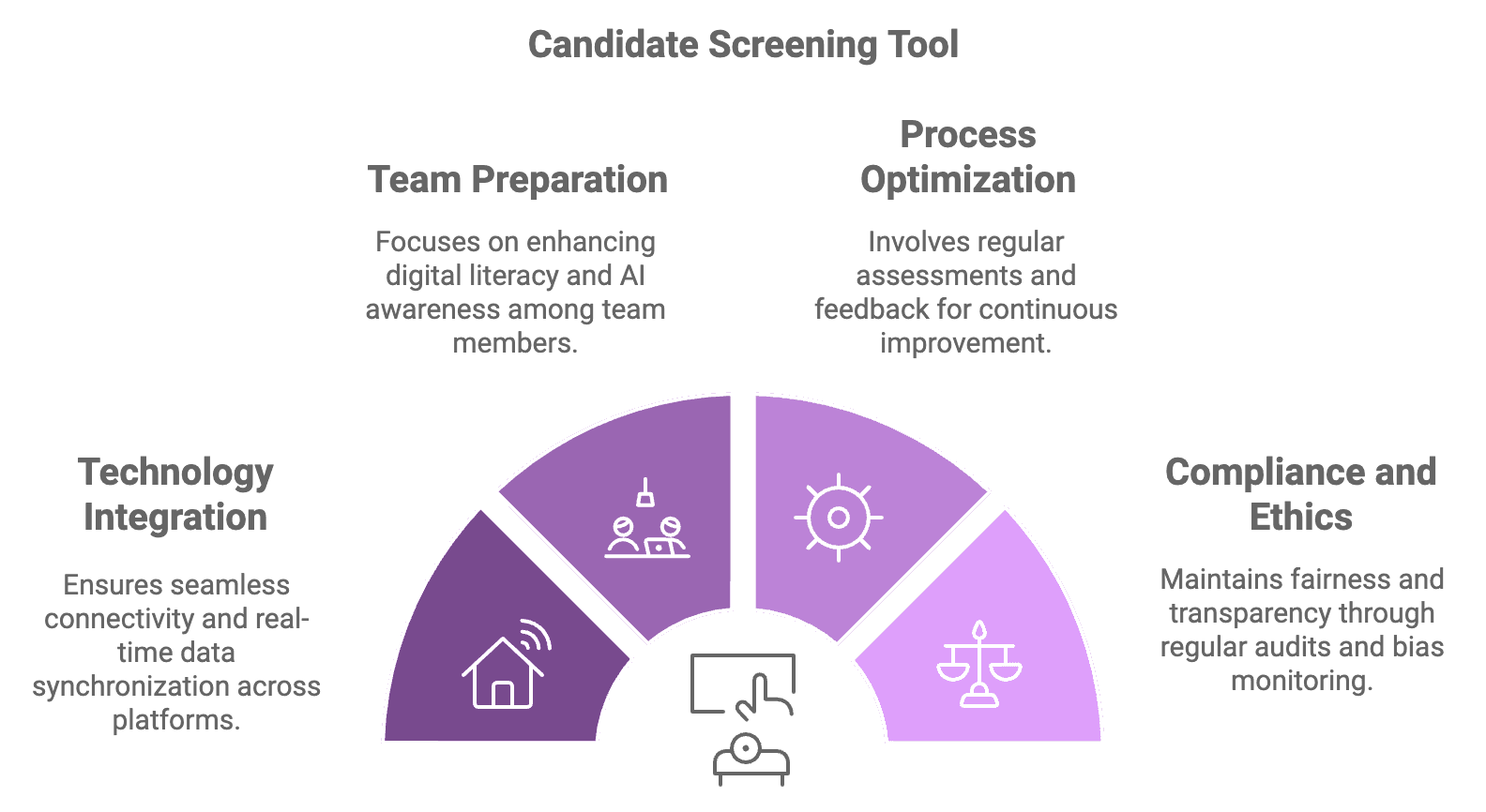
To successfully implement future screening tools, organizations should focus on:
-
Technology Integration
-
Seamless platform connectivity
-
Multi-channel assessment capability
-
Real-time data synchronization
-
Automated workflow management
-
Team Preparation
-
Digital literacy training
-
AI awareness programs
-
Ethics and bias training
-
Technical capability building
-
Process Optimization
-
Regular effectiveness assessment
-
Continuous feedback collection
-
Iterative improvement cycles
-
Performance metric tracking
-
Compliance and Ethics
-
Regular audit protocols
-
Transparency measures
-
Fairness assessments
-
Bias monitoring systems
Frequently Asked Questions About Candidate Screening Tools
1. What is a candidate screening tool and do I really need one?
A: A candidate screening tool is a software solution that automates initial candidate evaluation through video interviews, assessments, and workflows. You likely need one if:
- You spend 3+ hours per week on screening calls
- Handle more than 5 applications per role
- Want to standardize your screening process
- Need to share candidate responses with team members
- Want to reduce scheduling coordination
According to research, organizations using screening tools report 42% faster hiring processes and 45% better quality of hire.
2. How much should I expect to invest in a screening tool?
A: Price ranges vary significantly:
- Basic solutions: $39-50/month (like Hirevire)
- Mid-tier solutions: $150-300/month
- Enterprise solutions: $500+/month
Consider these factors when budgeting:
- Number of open positions
- Hiring volume
- Required features
- Team size
- Integration needs
3. How do I choose the right tool for my organization?
A: Focus on these key criteria:
- Budget alignment
- Essential features needed
- Team size and structure
- Integration requirements
- Candidate experience
Most vendors offer free trials, which you should use to evaluate:
- Ease of use
- Feature effectiveness
- Technical compatibility
- Support quality
- Team feedback
4. What ROI can I expect and how do I measure it?
A: Based on industry research:
- Time savings: 3-4 hours per candidate
- Cost reduction: 33% on average
- Quality improvement: 45% better hires
- Team efficiency: 41% faster decisions
Calculate your ROI using:
ROI = [(Time Saved × Hourly Rate) + (Improved Quality of Hire × Impact Value) - Total Cost] / Total Cost × 100
5. How long does implementation take and what support is available?
A: Implementation timelines vary:
- Basic tools (like HireVire): 1-2 days
- Mid-range solutions: 1-2 weeks
- Enterprise platforms: 2-8 weeks
Most providers offer:
- Implementation guidance
- Training resources
- Technical support
- Knowledge base
- Customer success team
Best practice is to start with a pilot program and gradually expand usage based on feedback and results.